
TAAR
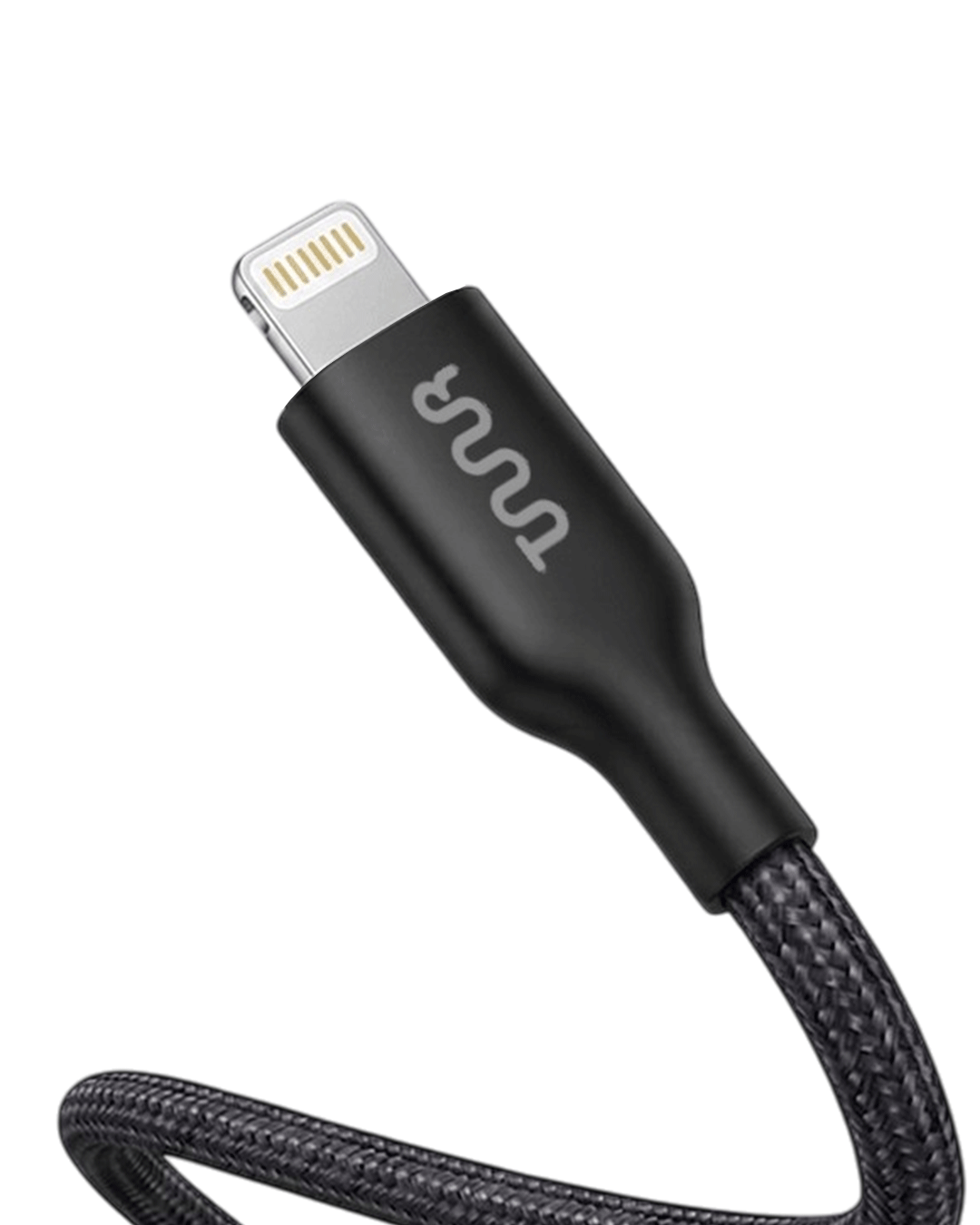
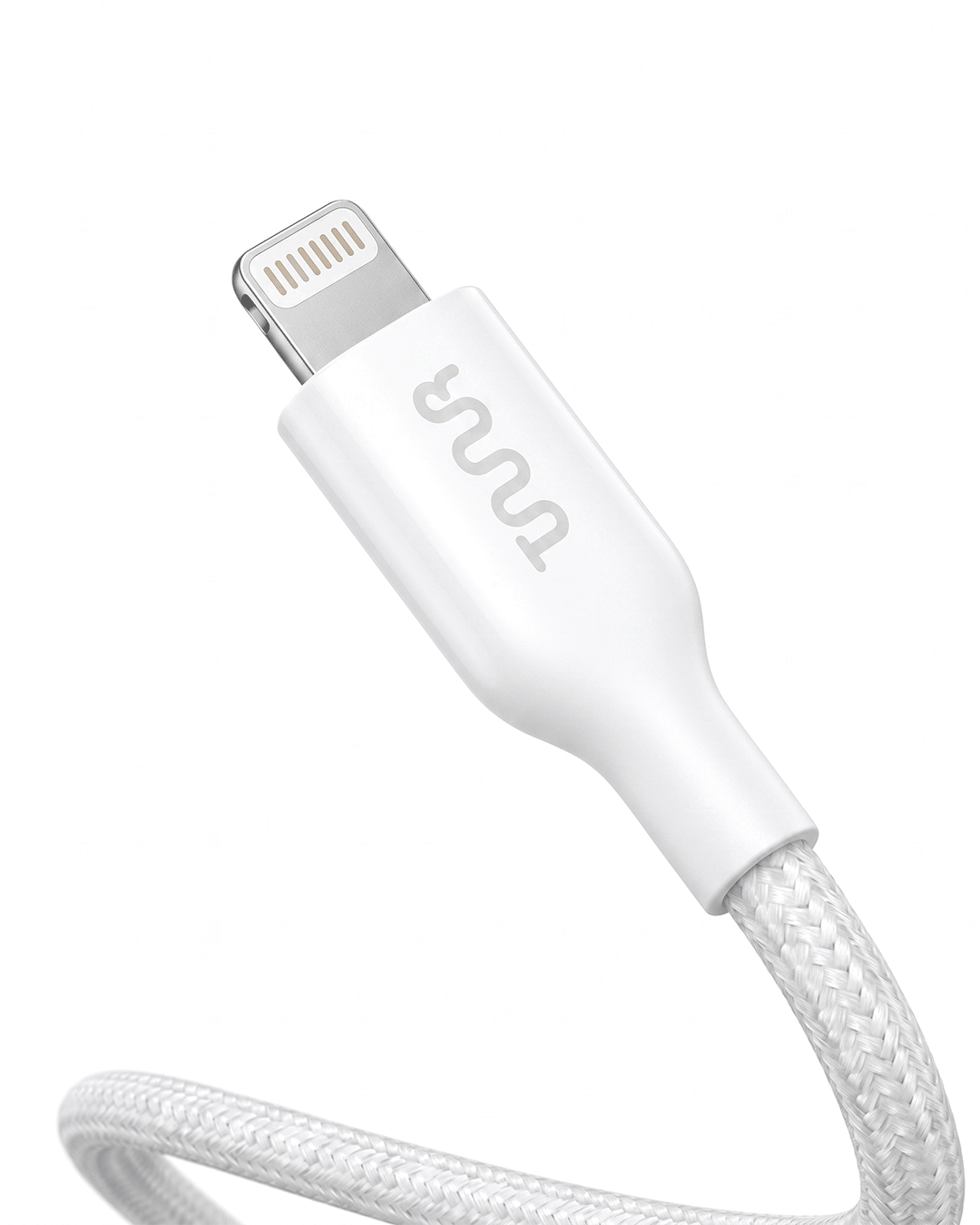
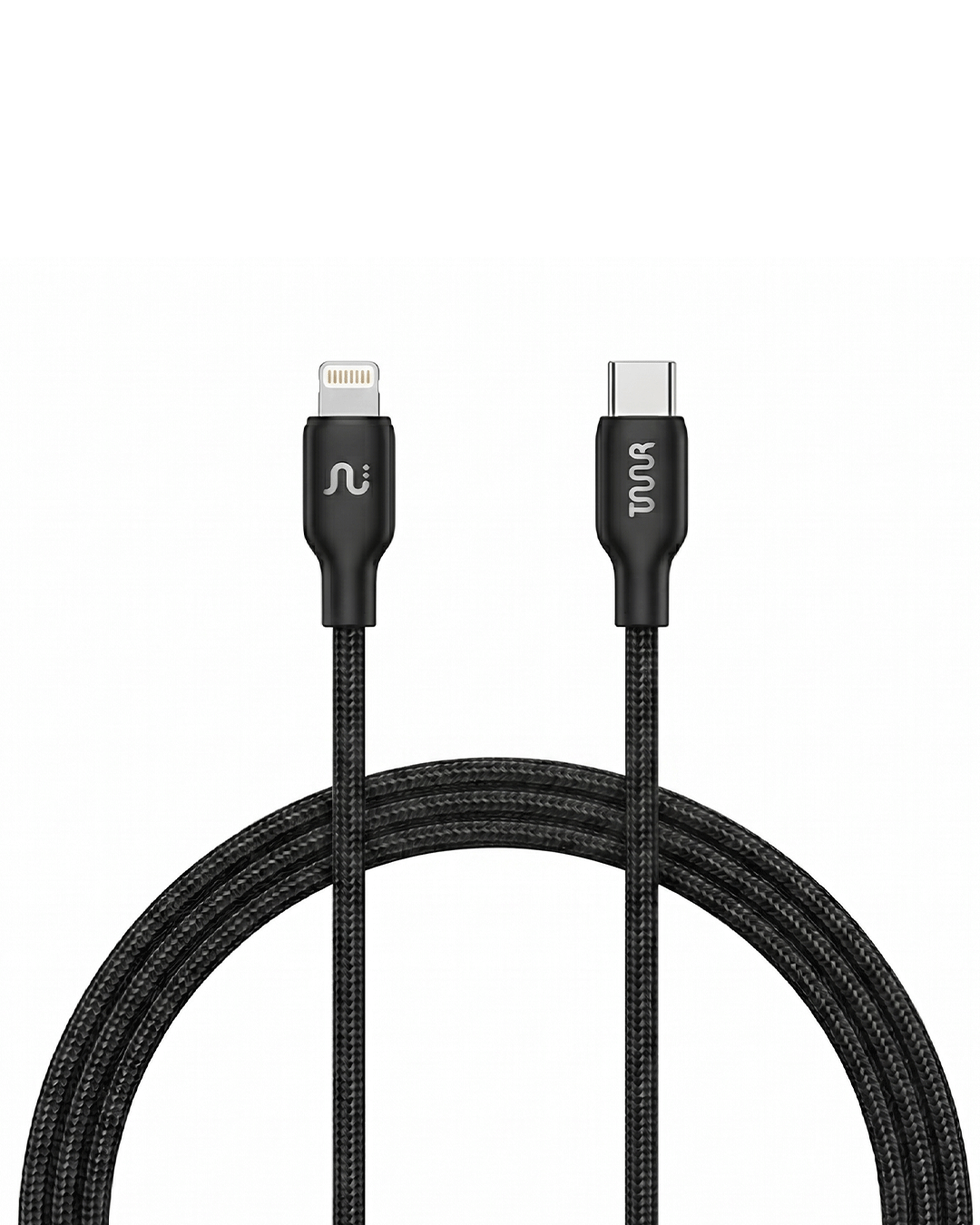
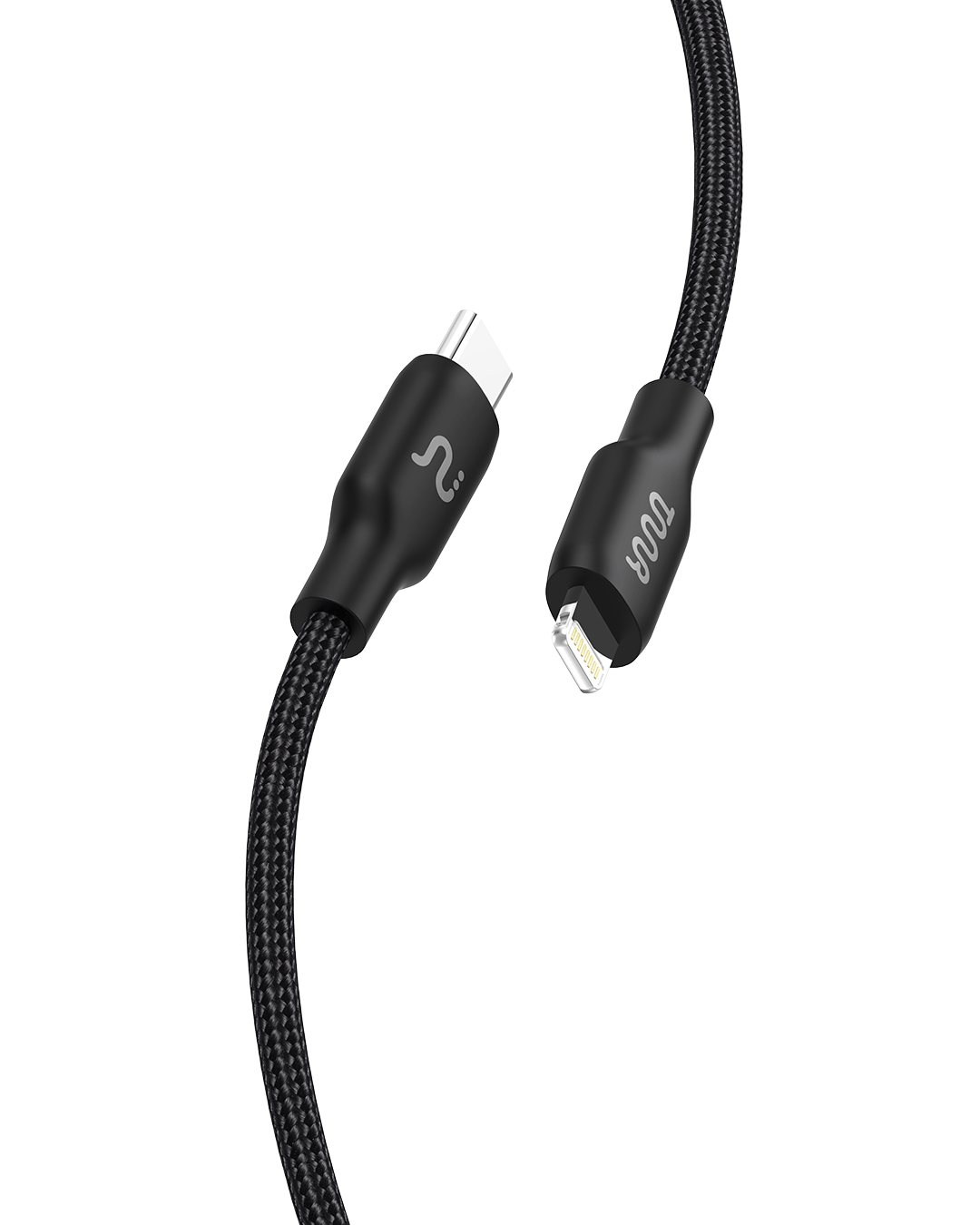
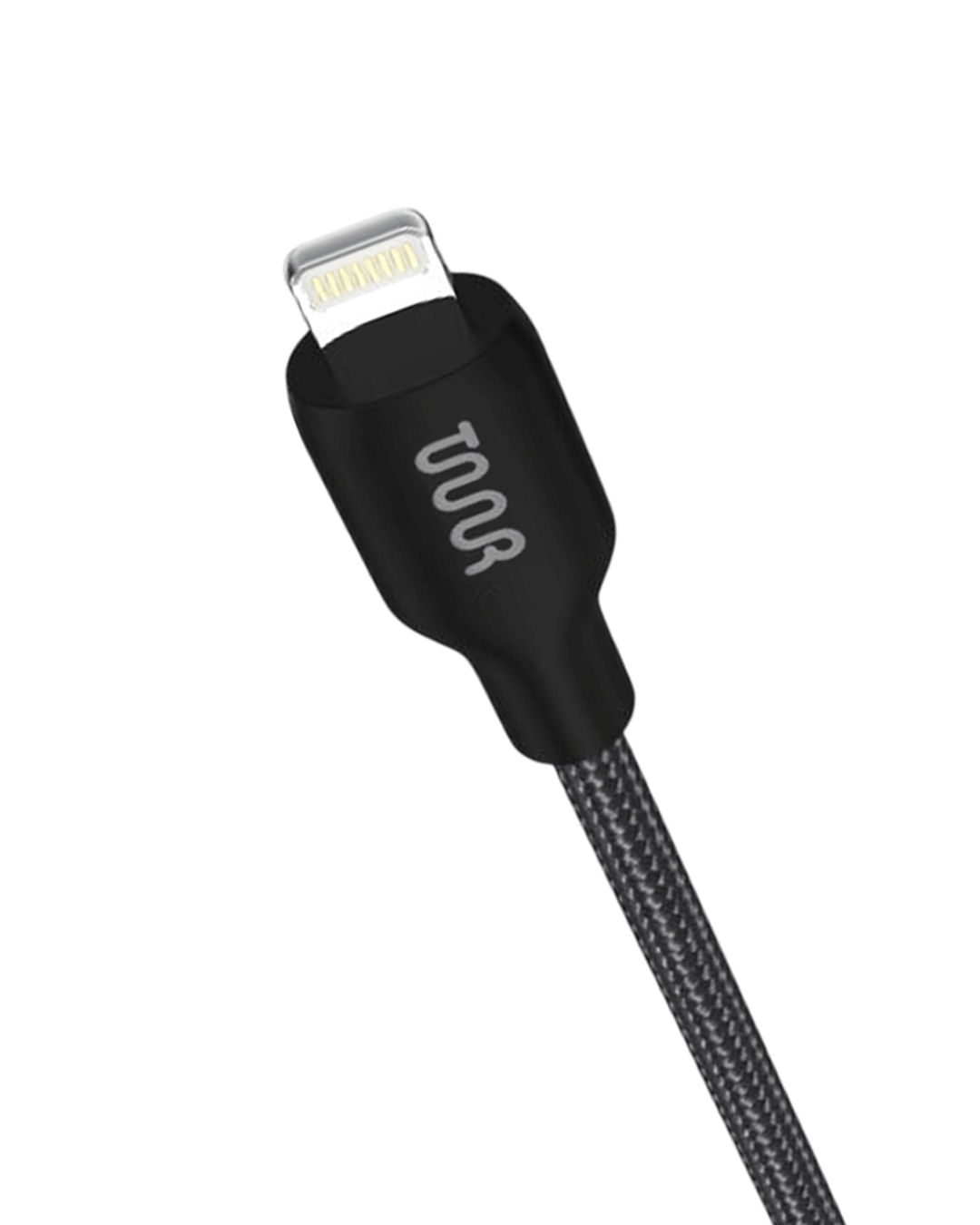
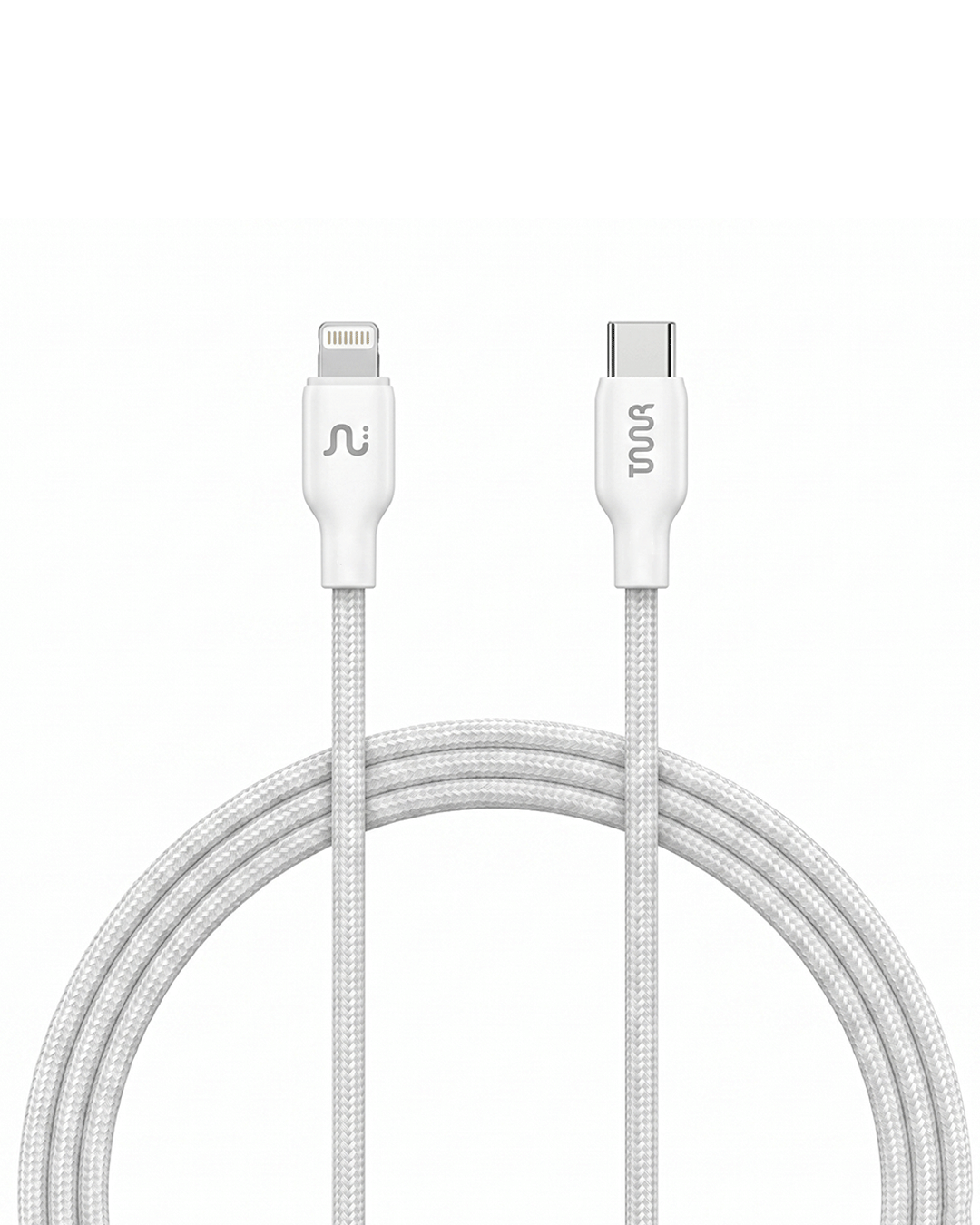
Prime Plus PD ( USB C TO LIGHTNING )
Product Description
Specs
Key Features
- Length: 1m
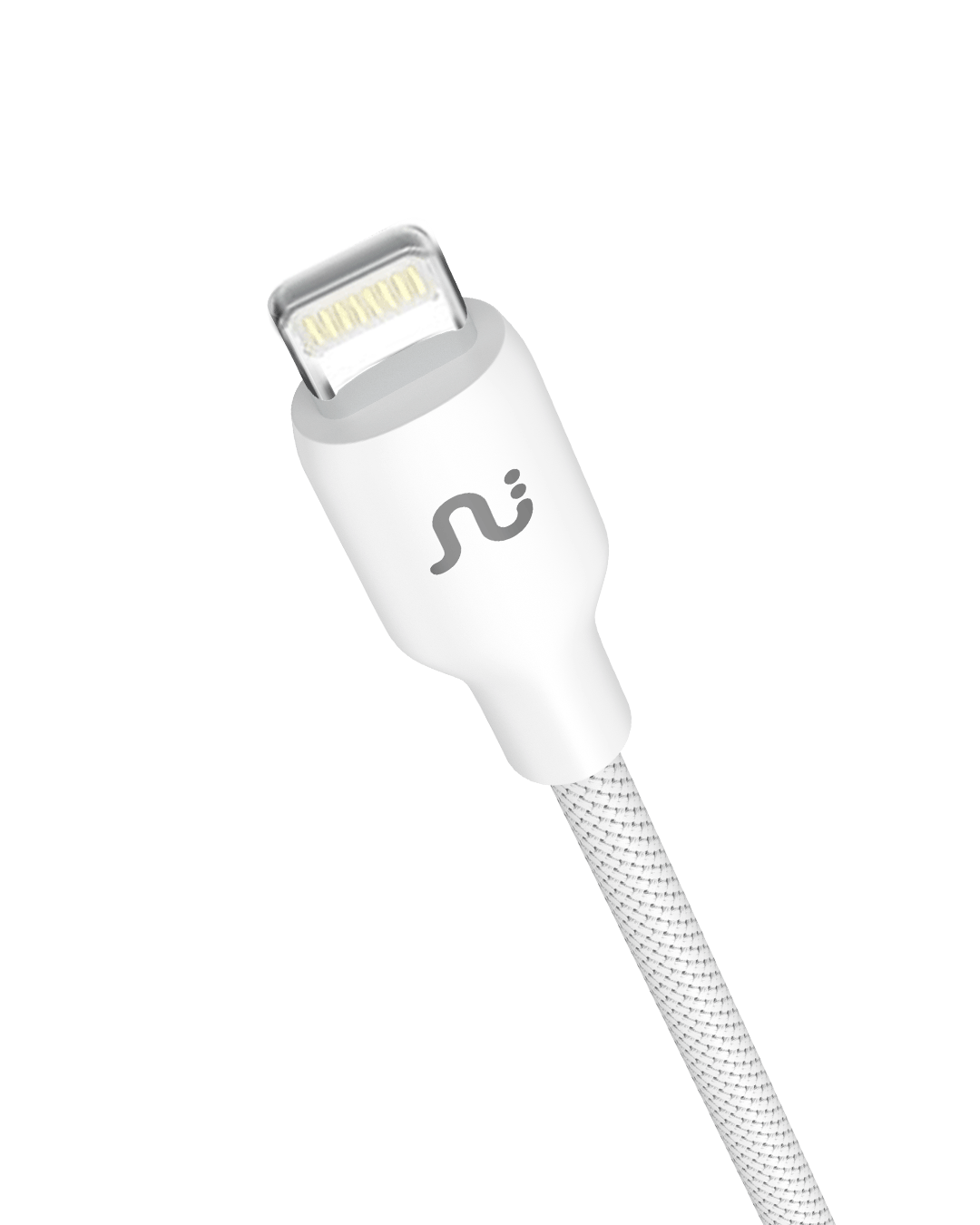
- Colour: Black/ White
- Main outer material: Black: Thermo Plastic Elastomer (TPE) | White: Braided
- Connector type: Prime C to Lightning
- Cable outer diameter: 4mm
- Inner Specification: Aluminium Foiling | 5 Cores of Pure Copper | Double Molding
Additional Features
- Faster charging
- Speedy Data Transfer
- Maximum Current Support
- Premium Quality Connector
- Wide Compatibility
- Heat resistant
- Longer durability
Pairs well with
Prime Plus PD ( USB C TO LIGHTNING )
If you have any questions, you are always welcome to contact us. We'll get back to you as soon as possible, within 24 hours on weekdays.
-
Shipping Information
Use this text to answer questions in as much detail as possible for your customers.
-
Customer Support
Use this text to answer questions in as much detail as possible for your customers.
-
FAQ’s
Use this text to answer questions in as much detail as possible for your customers.
-
Contact Us
Use this text to answer questions in as much detail as possible for your customers.


Frequently Asked Questions
A USB-C to Lightning cable/cord is a type of connector that enables you to connect Apple devices that have a Lightning port (easily) to other devices or power sources with a USB-C interface.
USB-C, or USB Type-C, is a type of USB (Universal Serial Bus) connector that is characterized by its reversible plug orientation and high data transfer rates. Unlike its predecessors, USB-A and USB-B, USB-C connectors are symmetrical and can be plugged in either way.
Lightning, on the other hand, is a proprietary connector developed by Apple Inc. It is used to connect Apple devices like iPhones, iPads, iPods, and some types of AirPods to host computers, external monitors, cameras, USB battery chargers, as well as other peripherals.
By integrating these two interfaces, a USB-C to Lightning cable provides a versatile and efficient means for charging Apple devices and transmitting data between devices.
Benefits and Advantages of a USB-C to Lightning Cable
Fast Charging
One of the most significant advantages of using a USB-C to Lightning cable is the ability to utilize USB-C's power delivery feature to charge your devices rapidly. This enables faster charging, especially for newer iPhone models which support fast charging.
Universal Compatibility
The USB-C to Lightning cable consolidates the two interfaces into a universally compatible connector. As USB-C becomes the standard across many devices, you can use the same cable to charge multiple devices.
Bidirectional Power Delivery
USB-C can supply power in both directions. You are able to use the same cable to charge your Apple device and also charge a connected device if it supports power delivery.
High Data Transfer Speeds
A USB-C to Lightning cable supports high-speed data transfer, making it convenient to move or back up large files between devices.
Applications and Usage Scenarios of a USB-C to Lightning Cable
Charging and Syncing Apple Devices
You can efficiently use a USB-C to Lightning cable/cord to charge your Apple devices that use a lightning connector and sync them with your Mac or PC.
Connecting Apple Devices to Newer Macs or PCs
Many newer computers, including versions of MacBooks and PCs, have adopted USB-C interfaces. With this cable, you can definitely connect your iPhone or iPad directly to them.
Fast Charging iPhone or iPad
When used with a USB-C power adapter, these cables can provide fast charging to iPhone or iPad models that support this feature.
Audio and Video Transfer
You can use these cables for direct audio and video transfers between your Apple devices and your computer or display screens with a USB-C port.
Power Bank Charging or On-the-Go Power
If you're on the move and your iPhone battery is running low, you can use your power bank with a USB-C output to charge your phone utilizing a USB-C to Lightning cable.